

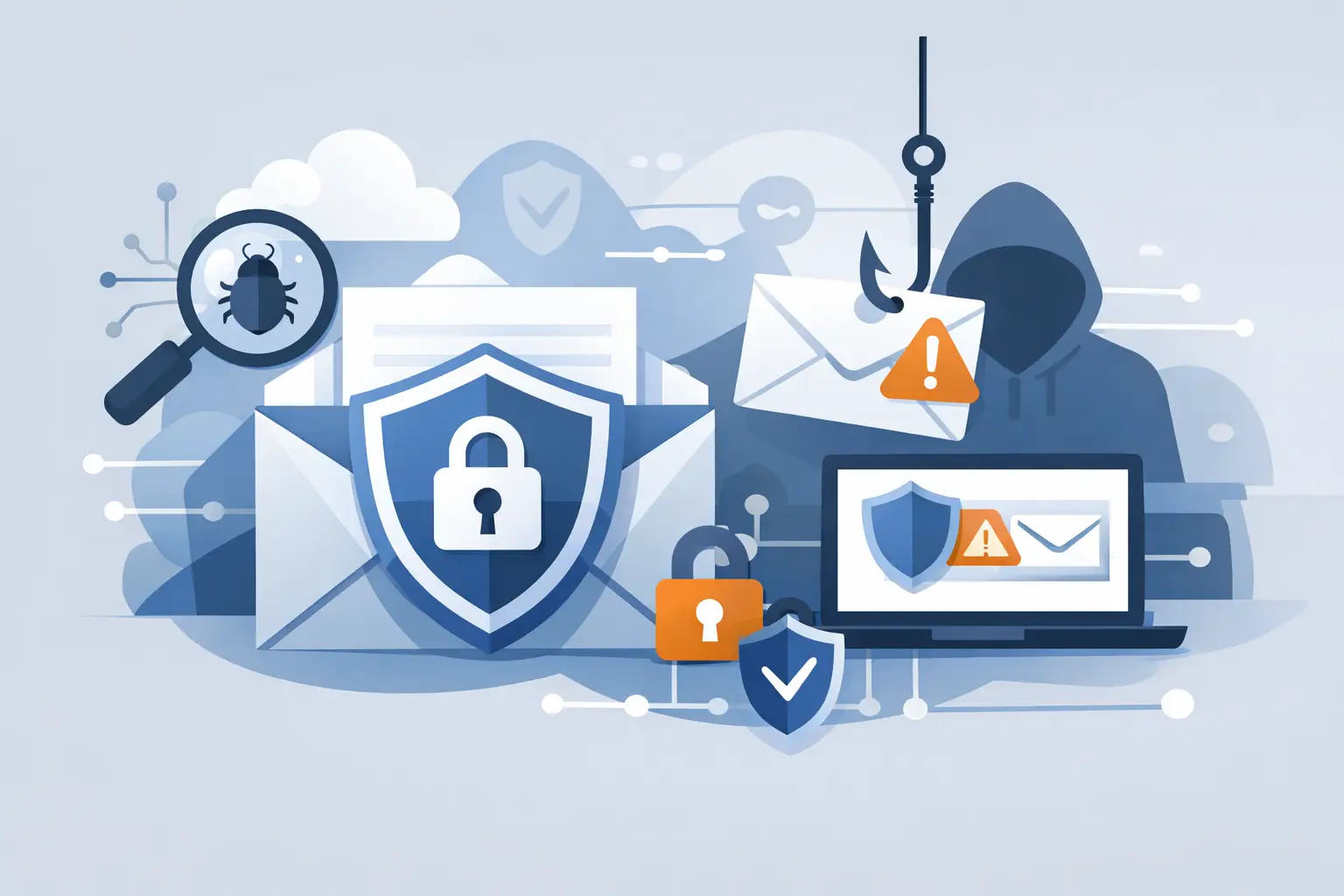
A single fraudulent invoice sent to accounts payable can bypass years of security investment. A convincing Microsoft 365 login page can turn one reused password into an identity compromise. That is why email security for phishing protection should be assessed as a business control, not simply as another spam filter.
For most organizations, the buying question is not whether to add email protection. It is whether the proposed platform can stop the threats that matter to their users, data, and payment processes without creating an unmanageable volume of false positives. The answer depends on mail architecture, identity controls, user behavior, and the capacity of the security team to investigate and respond.
What modern phishing protection needs to stop
Phishing is no longer limited to obvious messages containing malicious attachments. Threat actors use legitimate cloud services, compromised supplier accounts, QR codes, shortened URLs, and carefully timed business email compromise attempts. Many campaigns contain no malware at all. Their purpose is to capture credentials, redirect a payment, or persuade an employee to share sensitive data.
A useful email security platform must therefore inspect more than sender reputation and known bad links. It should evaluate message context, display-name impersonation, domain similarity, language patterns, URL behavior, attachment risk, and the history of communication between sender and recipient. It should also be able to reassess delivered mail when a URL or attachment is later identified as malicious.
This distinction matters commercially. A basic secure email gateway may be appropriate for an organization with straightforward inbound email risks and limited requirements. A financial services firm, law firm, healthcare provider, or manufacturer with frequent supplier payments may need stronger protection against impersonation, account takeover, and socially engineered fraud.
Email security for phishing protection is a layered decision
No single control eliminates phishing risk. Effective protection combines technology at the email layer with identity security, user reporting, incident response, and governance. A product that performs well in a controlled demonstration may still leave gaps if it cannot integrate with the organization’s collaboration platform, security operations workflow, or identity provider.
The email layer should block or quarantine known malicious content before users see it. It should also detect suspicious messages that are not definitively malicious, such as a first-time sender requesting a bank-account change. Those messages may require warning banners, user confirmation, or an approval workflow rather than an outright block.
Identity controls reduce the impact when a message succeeds. Multifactor authentication, conditional access policies, phishing-resistant authentication methods, and least-privilege administration all limit what an attacker can do with stolen credentials. Email security and identity protection should be evaluated together, particularly for organizations using Microsoft 365 or Google Workspace as a core productivity platform.
Human reporting remains valuable, but it should not be treated as the primary defense. Employees cannot reliably identify every well-crafted phishing attempt, especially during busy operational periods. Training should reinforce clear reporting behavior and explain the specific fraud scenarios relevant to each function, such as payroll diversion, supplier impersonation, or executive fraud.
Capabilities to evaluate during product comparison
When comparing platforms, decision-makers should look beyond broad claims of AI-driven detection. Ask vendors and resellers to demonstrate how the product handles the messages that most often reach your users.
A capable solution will usually provide protection across several areas:
- Impersonation defense for lookalike domains, display-name spoofing, executive fraud, and supplier compromise.
- URL and attachment analysis that examines destination behavior, file content, and delayed or weaponized payloads.
- Mailbox-level visibility to search, remediate, and remove malicious messages that have already been delivered.
- API integration with cloud email platforms, allowing deployment alongside or beyond native email controls.
- User reporting and feedback loops that help security teams investigate reported messages and improve detections.
- Security operations integration with SIEM, SOAR, XDR, ticketing, and incident response processes.
The relative importance of each capability depends on the operating model. A lean IT team may value automated remediation and clear prioritization more than granular policy tuning. A mature security operations center may prioritize telemetry, APIs, custom integrations, and the ability to correlate phishing events with endpoint or identity alerts.
Native email controls versus specialist platforms
Microsoft 365 and Google Workspace include meaningful baseline security capabilities. For some organizations, properly configuring those controls, enforcing multifactor authentication, and improving mail authentication may be the most sensible first step. Buying another product before completing that work can add cost without solving the underlying problem.
However, native controls may not provide the depth of behavioral analysis, post-delivery remediation, phishing simulation, mailbox visibility, or specialized business email compromise protection required by higher-risk organizations. This is where specialist email security vendors can add value.
The right approach is not automatically to replace native protection. It may be to supplement it. API-based platforms can sit alongside existing mail security controls, adding detection and remediation without requiring a disruptive mail-flow change. Secure email gateways can provide a stronger perimeter layer, particularly where organizations need more direct control over inbound and outbound traffic.
The trade-off is operational complexity. Layering tools can create overlapping alerts, duplicate policies, and uncertainty about which control owns a given decision. Before procurement, define the target architecture: which platform blocks, which platform investigates, which team remediates, and where evidence is retained for audit and compliance purposes.
Test against real business scenarios
A vendor demonstration should not be limited to a dashboard tour. Build an evaluation around the threats your organization actually faces. If your finance team receives a high volume of supplier communications, test invoice fraud and vendor-account compromise scenarios. If executives are frequent targets, test display-name impersonation and requests for urgent wire transfers. If users routinely receive shared documents, test cloud-storage links and QR-code phishing.
Include historical incidents where possible. Sanitized examples of messages that reached users are more revealing than generic test samples. Ask how the proposed platform would have detected the email, what action it would have taken, whether a security analyst could understand the decision, and how quickly the message could be removed from affected mailboxes.
False positives deserve equal attention. Blocking legitimate customer communications, invoices, or patient correspondence can create business disruption and rapidly erode confidence in the security team. Review policy tuning, allow-list management, exception workflows, and the reporting available to explain false-positive trends.
Deployment questions that affect value
Email security projects often fail to deliver expected value because deployment planning is treated as an afterthought. Clarify whether the product uses mail-flow rules, MX record changes, APIs, journaling, or a combination of methods. Each model has implications for rollout risk, resilience, visibility, and administration.
Also establish ownership early. Security may own detection policy, while infrastructure manages email configuration, identity teams administer conditional access, and service desk teams handle employee reports. Without a defined operating model, sophisticated controls can become underused or inconsistently managed.
Metrics should be agreed before implementation. Useful measures include phishing messages blocked or remediated, time to remove malicious mail, user reporting rates, compromised accounts prevented, and recurring attack patterns by department. These measures help security leaders show risk reduction without relying solely on vendor-generated prevention statistics.
Make the purchase decision defensible
The strongest product is not always the best purchase. A platform may offer advanced detection but require administration skills the organization does not have. Another may fit the existing Microsoft environment well but provide less flexibility for a mixed cloud estate. Licensing models, mailbox counts, support quality, data residency requirements, and integration costs all affect the final business case.
An independent comparison process can separate meaningful capability differences from feature overlap and sales positioning. ITR Cyber helps organizations assess specialist vendors against their technical architecture, risk profile, internal operating model, and procurement requirements, rather than forcing a recommendation toward a single manufacturer.
The practical goal is straightforward: select controls that make phishing harder to deliver, harder to act on, and faster to contain. When email protection is connected to identity, endpoint, and response workflows, a suspicious message becomes an investigated event rather than the beginning of a wider compromise.